Dell R740xd Fan Swap
If your iDRAC 9 firmware is lower or equal to 3.30.30.30 you can use this docker container to control fan speed through IPMI commands. Upgrading above version >= 4.40.40.00 (some say 4.00.00.00) will result in not be able to downgrade with IPMI commands removed. See this issue for more.
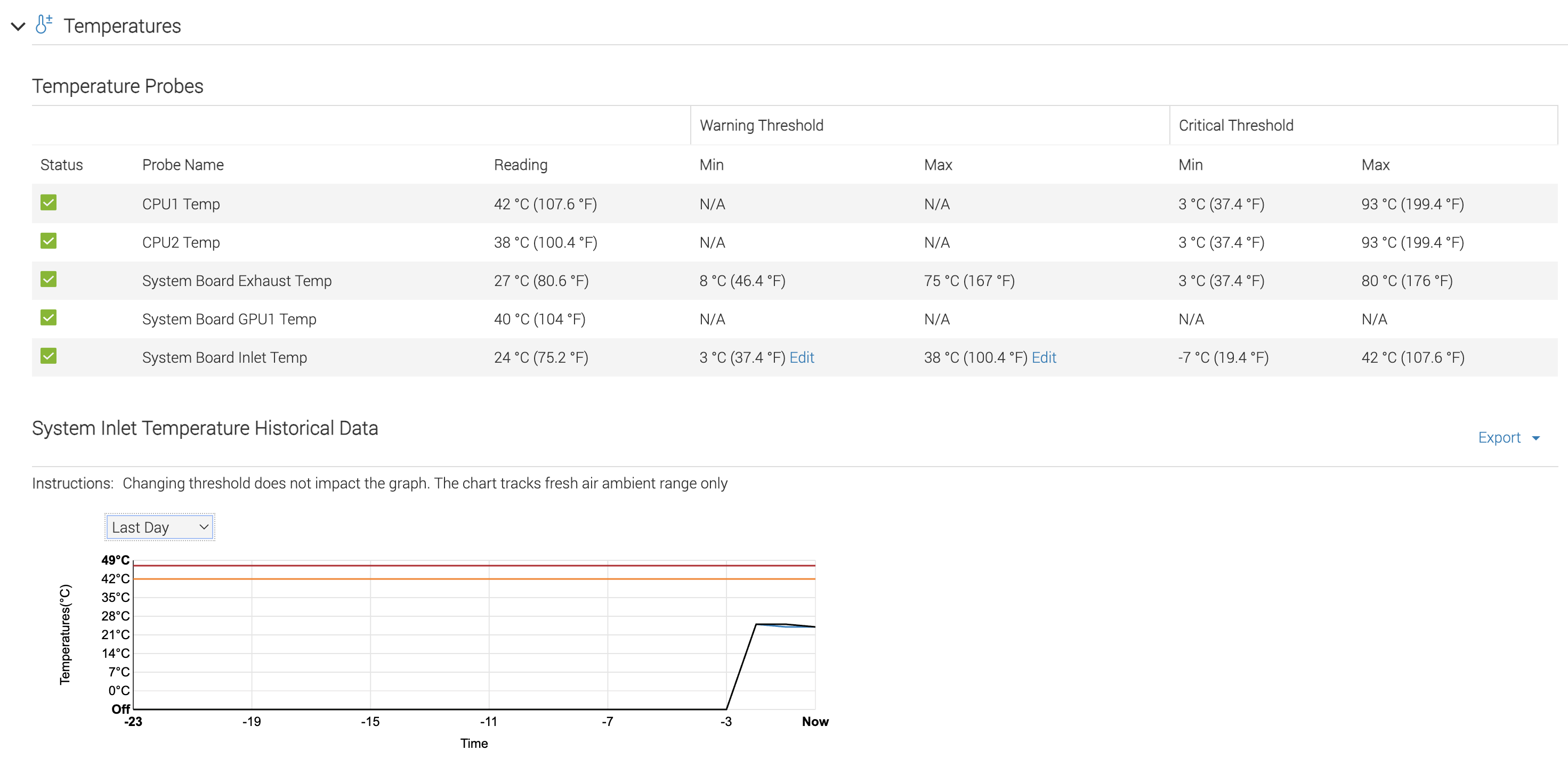
Swapping the fans on R740xd for more power efficient and less noisy operation. Some people might say it will damage components, but I've ran this server in full capacity and dual 24 core cpu with 10gb nic and small GPU in it before at fans 12% fan speed (3000 rpm Dell fans) with temperature well below the threashold.
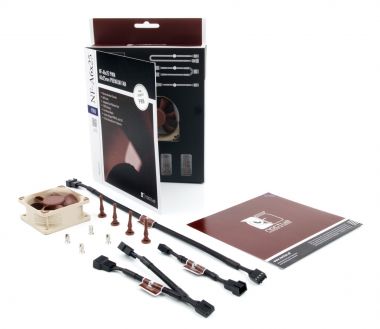
| PF60381BX-000U-S99 | Noctua's NF A6x25 12v |
|---|---|
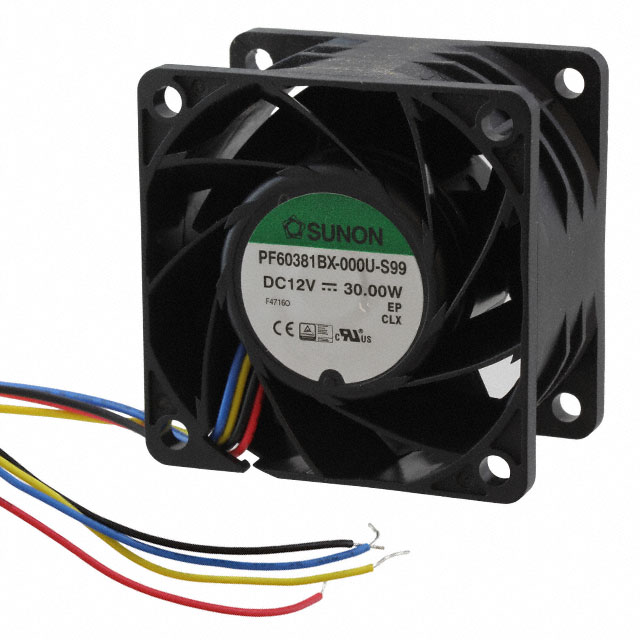 |  |
The fans used in my Dell R740xd was Sunon Fans VF60381B1-Q070-S99 DC12V 0.98A. I was unable to find the exact pin diagram, but I did find a similar fan with model number PF60381BX-000U-S99. After comparing the difference using their official catelog it seems that other than the series difference the other specs are all similar.
Sunon product catelog pdf https://mm.digikey.com/Volume0/opasdata/d220001/medias/docus/1873/PF60381BX-000U-S99_Spec.pdf
According to Sunon's documentation PF60381BX-000U-S99, the wire diagram are the following:
| Sunon Fans Wires |
|---|
| red -> 12v dc |
| black -> ground |
| blue -> PWM |
yellow -> Tachometer probably, the PF documentation says 3rd wire but 4 pin 12v usually will have tachometer. |
The replacement fan I picked was Noctua's NF A6x25 12v.
| Noctua Fan Wires |
|---|
 |
You have two options for connecting the fan wires and headers: soldering them directly, or using a solderless LED strip connector.
Due to the difference in fan sizes, you'll need to snap off the side clip of the original fan holders to accommodate the smaller fans. This modification won't affect usability or stability.
After Fan swap
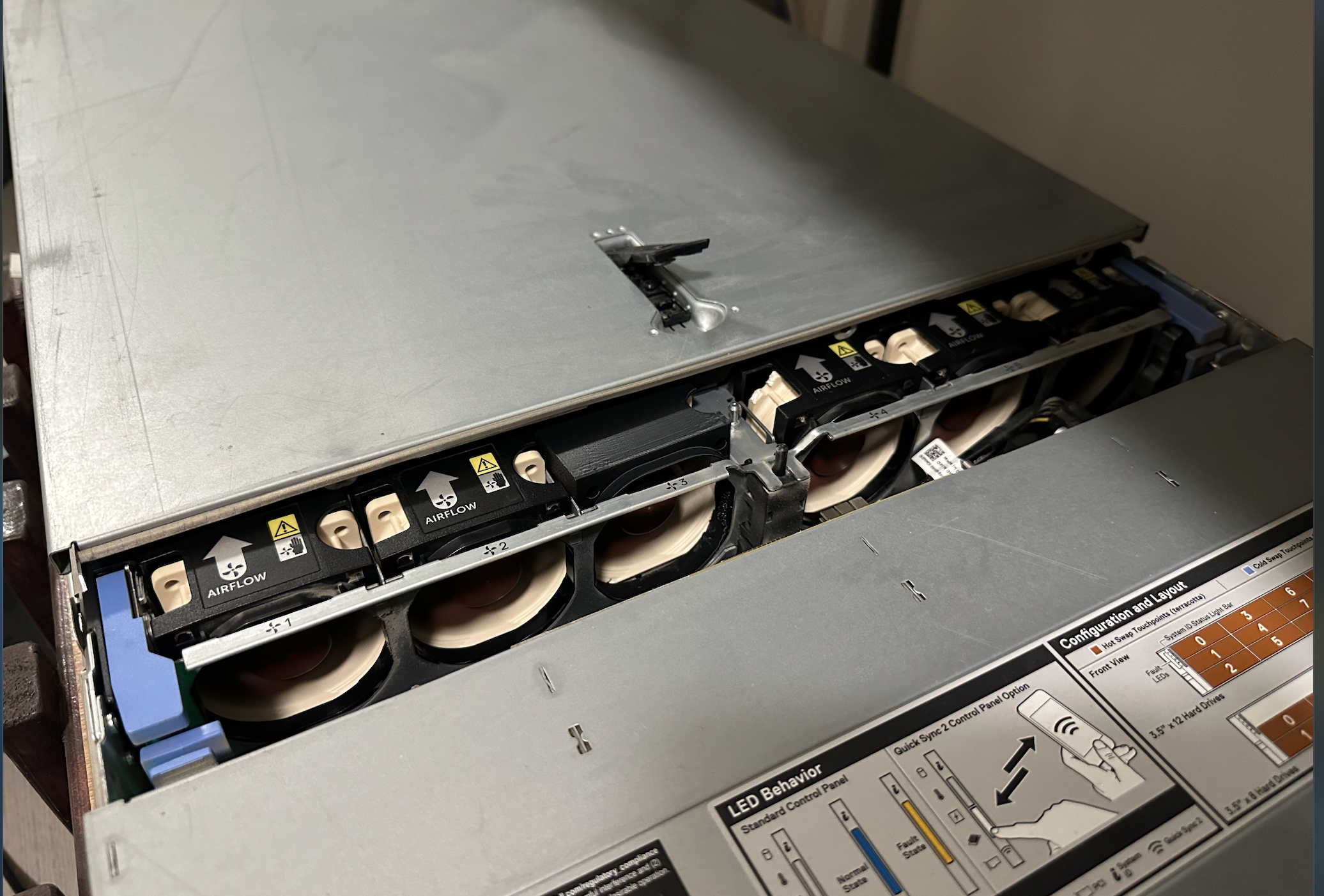
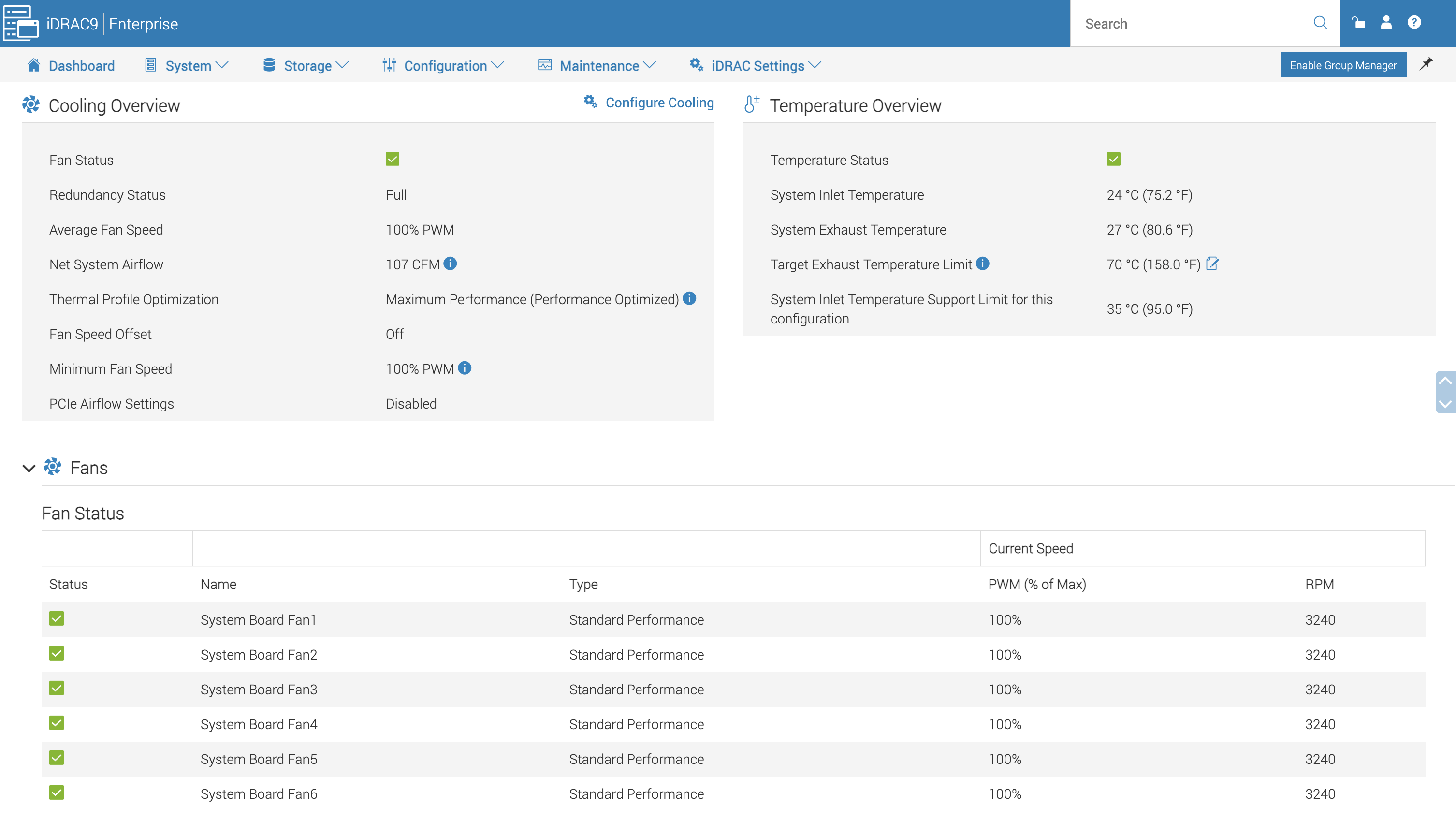
Fan speed in idrac
CPU temp